SRBS Member App
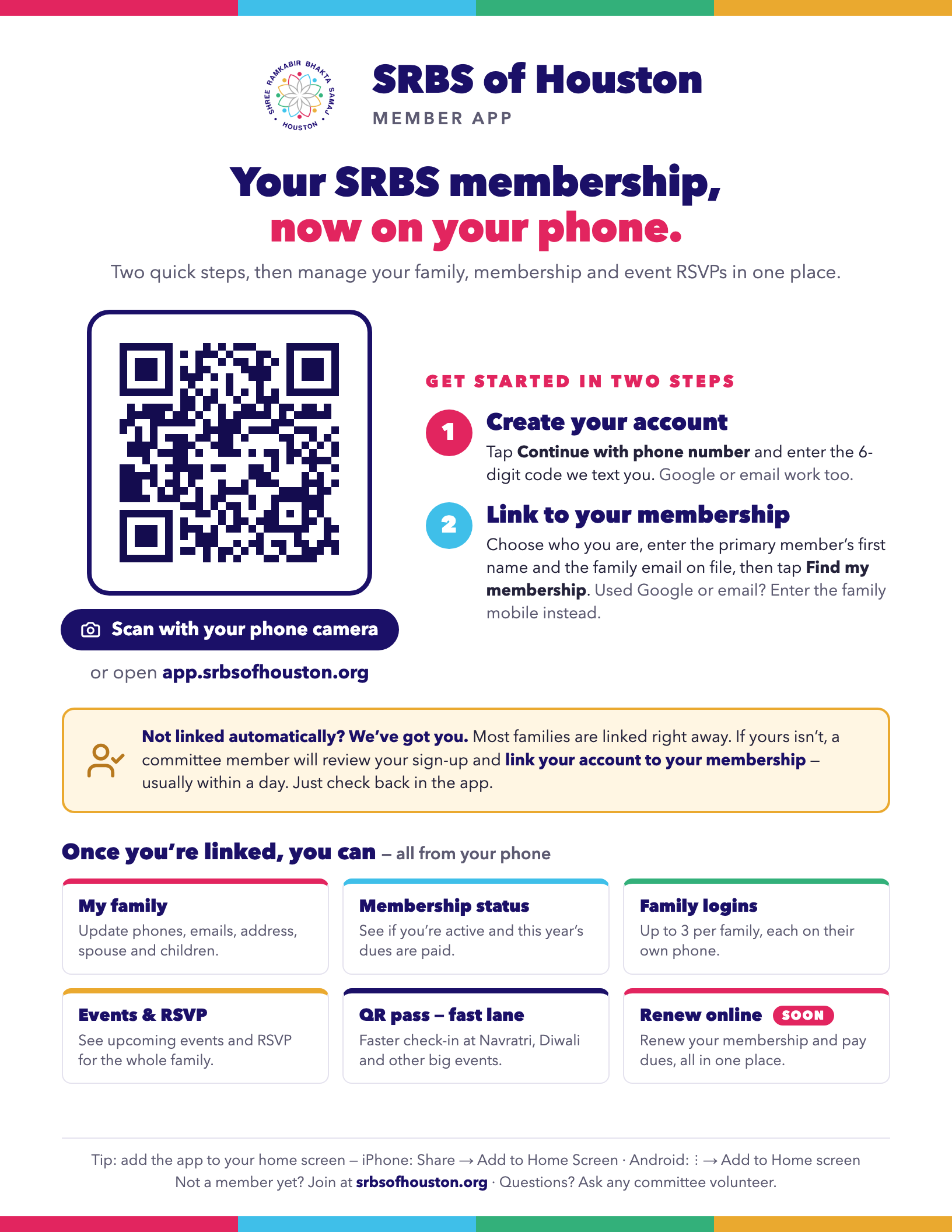
Your SRBS membership in one place: keep your family’s details up to date, check your membership status, and RSVP for Samaj events — with a QR pass for faster check-in at big events like Navratri and Diwali. Getting started takes two quick steps.
Two quick steps
Your phone is the quickest way. The app opens in your browser — there’s nothing to install.
Create your account
Open app.srbsofhouston.org and tap Continue with phone number. Enter your mobile number and the 6-digit code we text you — that’s your account. Google or email and password work too.
Link to your membership
Choose who you are — the primary member, the spouse, or a son or daughter. Enter the primary member’s first name and the family email we have on file (signed in with Google or email? enter the family mobile instead), then tap Find my membership. Most families are linked right away.
Not linked automatically? We’ve got you.
If we can’t match your details to your membership automatically, a committee member will review your sign-up and link your account to your membership — usually within a day. Nothing else to do: just check back in the app.
Everything for your membership, on your phone
With your account linked to your membership, you can:
My family
See your family’s membership record and keep it current — phone numbers, emails, address, birthdays, spouse and children. The primary member or spouse can update it; changes are saved right away for the committee.
Membership status
Check whether your membership is active and this year’s dues are paid — no need to ask a committee member.
Family logins
Up to three people per family can sign in on their own phones — the primary member, spouse, and a son or daughter. My family shows who in your family has signed up.
Events & RSVP
See upcoming Samaj events in one place and RSVP for your whole family. Change your RSVP anytime — everyone in your family sees it, so nobody RSVPs twice.
QR pass — the fast lane
For marquee events like Navratri and Diwali, your RSVP comes with a QR pass for faster check-in at the door. QR passes are for members signed in to the app; RSVPs without an account are checked by hand.
Coming next Soon
We’re working toward the app being your single place for SRBS membership — including renewing your membership and paying dues online.

On a computer? Scan this with your phone’s camera to open the app on your phone.
For the whole family
- One RSVP per family. Once anyone in your family RSVPs, everyone in the family sees it — and the same QR pass.
- No account yet? You can still RSVP from an event’s link with your name and email or mobile. It’s recorded, and checked by hand at the door.
- Keep it on your home screen. iPhone (Safari): tap Share, then Add to Home Screen. Android (Chrome): tap ⋮, then Add to Home screen.
- Not a member yet? Join first — see Membership Dues.
- Questions? Email houstonbhakta@gmail.com or ask any committee volunteer.
Share the flyer